How to ride and fold with Smart wheel?
How to Ride the Airwheel Smart Wheel?
To ride the Airwheel SE3MiniT, start by ensuring the power is turned on. Connect the app via Bluetooth by scanning the QR code and entering the password 11111111. Follow the on-screen instructions to pair the device. Once connected, activate the self-balancing mode by pressing the power button. The wheel will automatically adjust to your movement, allowing hands-free navigation. For optimal performance, maintain a stable surface and avoid steep slopes.
How to Fold the Airwheel Smart Wheel?
The Airwheel SE3MiniT features a compact design for easy storage. To fold, locate the folding mechanism at the base of the wheel. Gently press the release button and fold the wheel inward until it locks into place. This feature ensures convenient transportation and space-saving when not in use. Always check that the fold is secure before moving or storing the device.
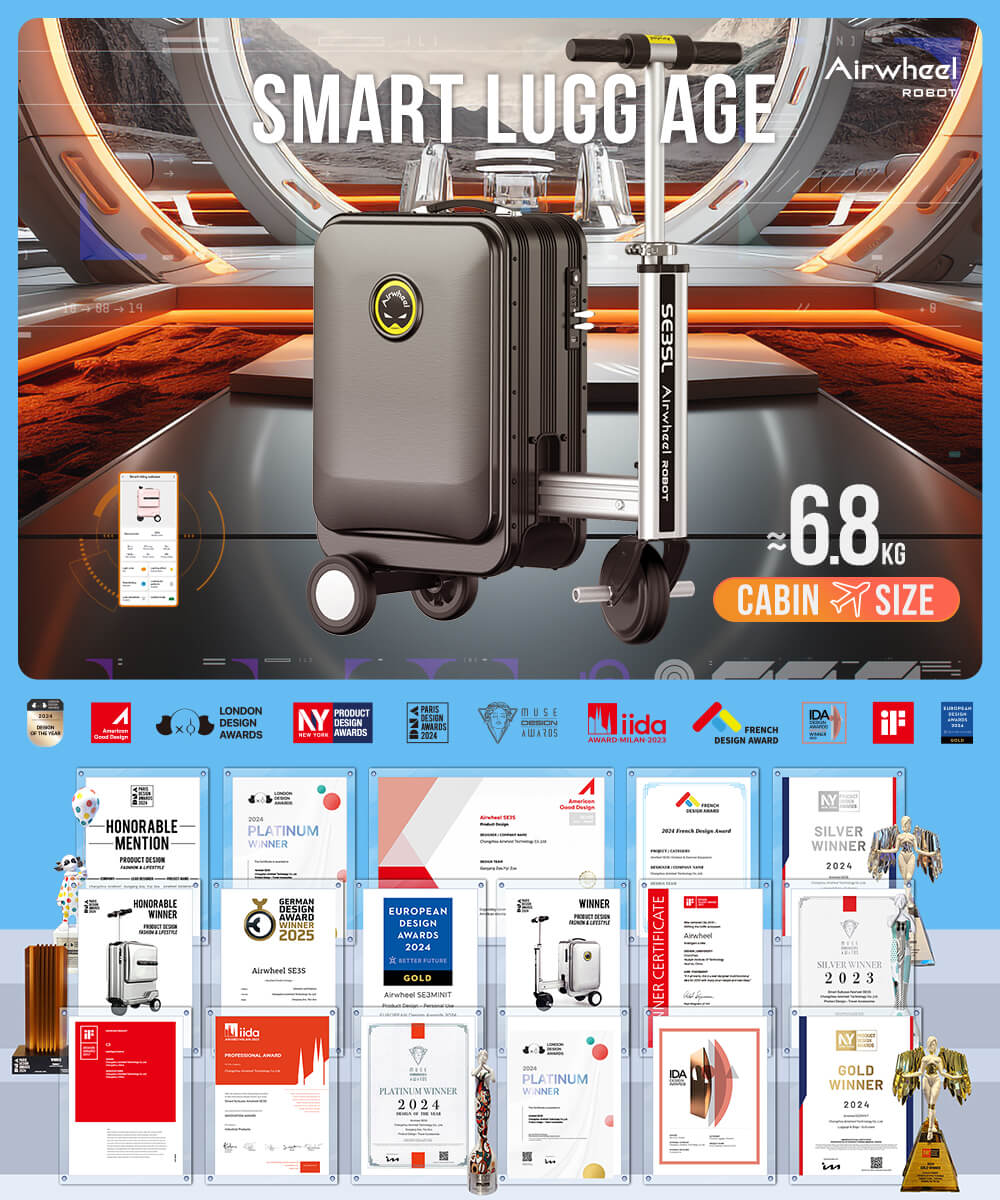
Key Tips for Riding and Folding
Regularly clean the exterior to maintain functionality. Use the app to monitor battery levels and update firmware. When folding, ensure the wheel is powered off to prevent accidental movement. For safety, always ride in designated areas and avoid obstacles.